If your eSIM is not activating, you’re not alone. Many users face eSIM activation issues when setting up a new plan or using international eSIM plans while traveling.. The good news? Most eSIM problems can be fixed quickly with a few simple steps.
In this guide, we’ll explain why an eSIM may fail to activate and share 7 easy fixes that work on both iPhone and Android devices. We’ll also show how choosing a reliable provider like Roam Communication eSIM support can help you avoid these issues altogether.
Why Is My eSIM Not Activating?
If you’re new to this technology, understanding how eSIM works can help avoid activation errors:
- Your device is not eSIM-compatible
- Internet connection is unstable during setup
- QR code was scanned incorrectly or expired
- Carrier settings are outdated
- Device is locked to another network
- Software is outdated
- Temporary carrier or network issues
Now, let’s go through the 7 easy fixes step by step.
1. Check If Your Device Supports eSIM
Not all smartphones support eSIM technology. Always confirm your phone is listed under eSIM compatible devices before purchasing a plan.
Popular eSIM-supported devices include:
- iPhone XS, XR, and newer models
- Google Pixel 3 and newer
- Samsung Galaxy S20 and newer models
If your device does not support eSIM, activation will fail. Always confirm compatibility before purchasing an eSIM.
2. Ensure a Stable Internet Connection
A strong internet connection is required to download and activate an eSIM profile. Weak Wi‑Fi or mobile data interruptions can cause activation errors.
Quick fix:
- Connect to a stable Wi‑Fi network
- Avoid public or slow connections
- Restart Wi‑Fi and try again
For smooth activation, Roam Communication eSIM recommends using a secure Wi‑Fi connection during setup.
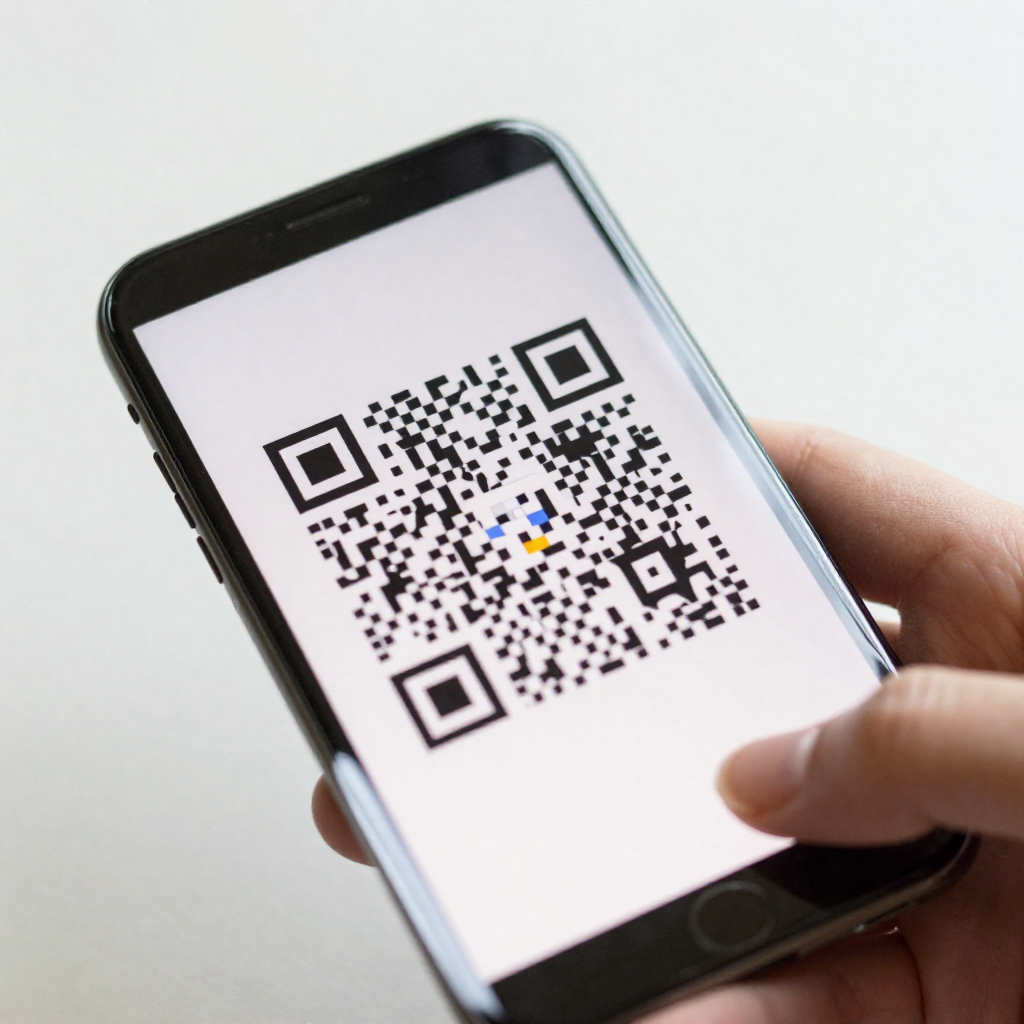
3. Scan the QR Code Correctly
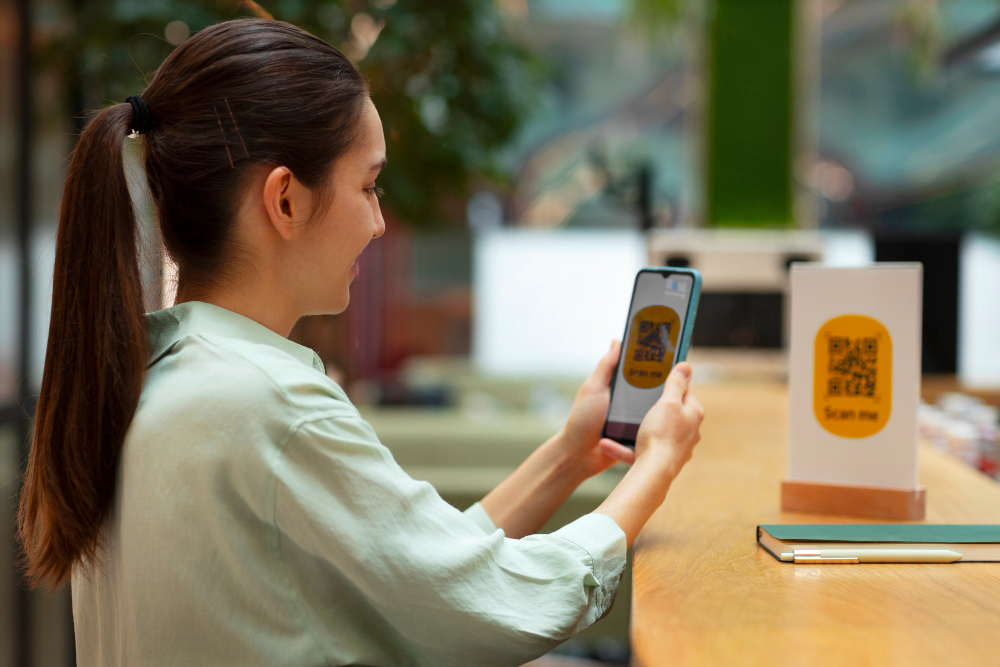
Most eSIMs activate using a QR code. If the code is blurry, partially scanned, or already used, activation may fail.
What to do:
- Scan the QR code in good lighting
- Do not zoom or crop the code
- Use the original QR code provided by your eSIM provider
Roam Communication eSIM provides instant, one-time-use QR codes to ensure smooth and secure activation.
4. Check If Your Phone Is Carrier Locked
If your phone is locked to a specific carrier, it may block eSIM activation from another provider.
How to check:
- On iPhone: Settings → General → About → Carrier Lock
- On Android: Check network status in SIM settings
If your phone is locked, contact your carrier to request an unlock before activating an eSIM.
5. Update Your Device Software
Outdated software can cause compatibility issues with eSIM activation.
Fix:
- Update to the latest iOS or Android version
- Restart your phone after updating
Keeping your device updated ensures full support for eSIM features and carrier settings.
6. Reset Network Settings
Incorrect or corrupted network settings may prevent your eSIM from activating.
How to reset:
- iPhone: Settings → General → Transfer or Reset → Reset Network Settings
- Android: Settings → System → Reset → Reset Network Settings
⚠️ This will remove saved Wi‑Fi passwords, so make sure you have them handy.
7. Contact Support or Use a Reliable eSIM Provider
If none of the above fixes work, the issue may be with the eSIM provider itself.
Choosing a trusted provider like Roam Communication eSIM plan can save you time and frustration. Roam Communication offers:
- Instant QR code activation
- Global coverage in 100+ countries
- High-speed, reliable data
- Easy setup with clear instructions
- Responsive customer support
👉 Learn more at: https://www.roamcommunication.com/blog/

Final Thoughts
Most eSIM activation problems are easy to fix once you know where to look. By checking device compatibility, ensuring a stable internet connection, and using a trusted provider, you can activate your eSIM without stress.
If you want fast, hassle-free activation, Roam Communication eSIM is a reliable choice for travelers, remote workers, and international users.
Still facing issues? Buy a global travel eSIM from Roam Communication to enjoy a seamless eSIM experience worldwide.
FAQ
Q: Why is my eSIM not activating?
A: eSIM activation issues usually occur due to weak internet, device incompatibility, outdated software, carrier locks, or incorrect QR code scanning.
Q: How long does eSIM activation take?
A: Most eSIMs activate within a few minutes when connected to stable Wi-Fi. Some may take up to 10 minutes, depending on the carrier.
Q: Can I activate an eSIM after reaching another country?
A: Yes, you can activate an eSIM after arrival as long as you have Wi-Fi. Roam Communication eSIM supports instant international activation.
Q: Does eSIM work on dual SIM phones?
A: Yes, eSIM supports dual SIM functionality on compatible devices without removing your physical SIM.
Q: Is eSIM safe to use?
A: Yes, eSIM is more secure than physical SIM cards because it cannot be removed, lost, or stolen.